Turn Cloud Mac workflows into reproducible steps
Practical guides to builds, automation, remote collaboration and MLX inference on dedicated Apple Silicon nodes. Each article covers setup, constraints and how to verify results.
From setup details to real-world workflows
Articles are listed by publication date, newest first. The featured post includes its full summary; the rest appear in a uniform reading grid.
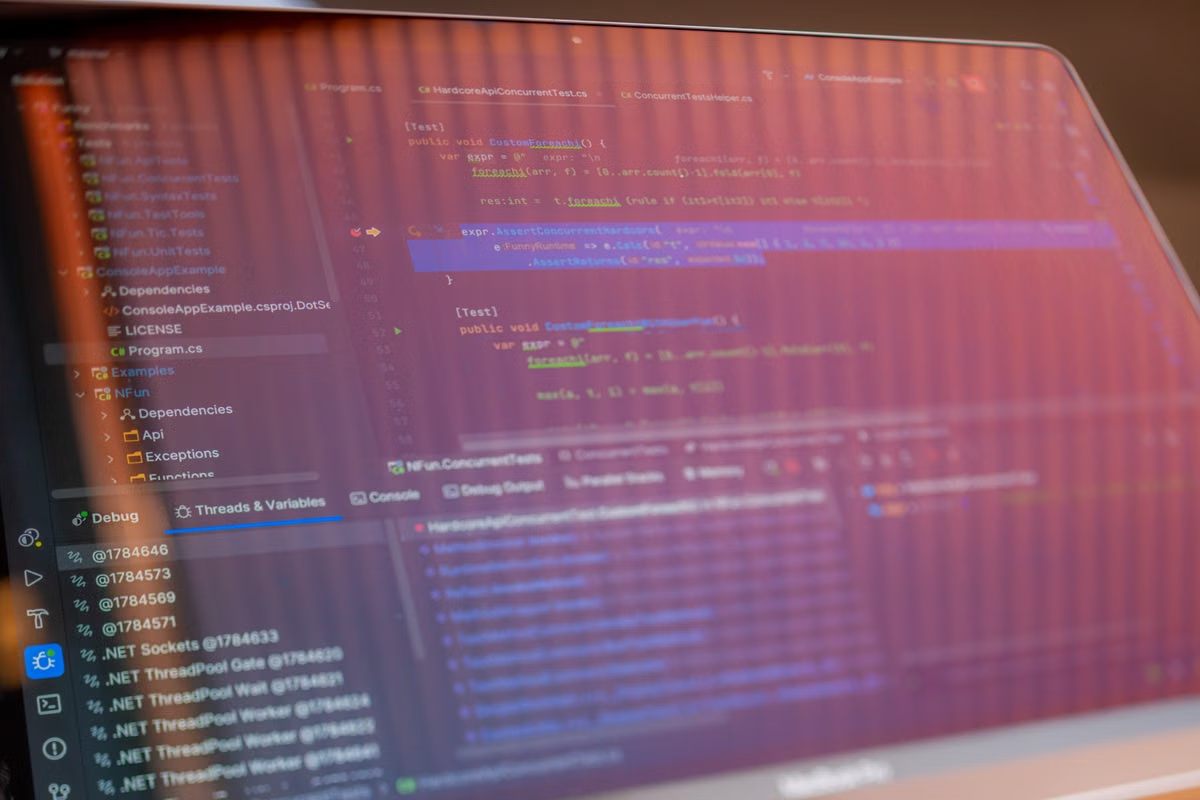
For research teams without a lab Mac, a compatible remote Mac can provide the Xcode environment needed to build and test an Apple-platform app. This guide covers preparation, first-build checks, simulator testing, device-only limits, and the evidence to hand over.

Fix the web input locally, then test both directions of a WKWebView bridge and its handler lifecycle on a simulator.

Use per-run identifiers and bounded search polling to verify Core Spotlight indexing, discoverability, and removal.

Separate shared-data checks from deterministic timeline tests, then verify the widget’s final display in a simulator.
New articles coming soon
Articles will be published here as they’re ready. In the meantime, compare rental options or visit the Help Center for connection and setup guides.
Explore workflows
New articles coming soon
The series is in the works. Start planning with a plan comparison and remote access guide.
Need a Cloud Mac with a fixed configuration?
Choose ArmMesh M4 or ArmMesh M4 Pro, and rent by the day, week, month or quarter. Check the console for real-time availability.